
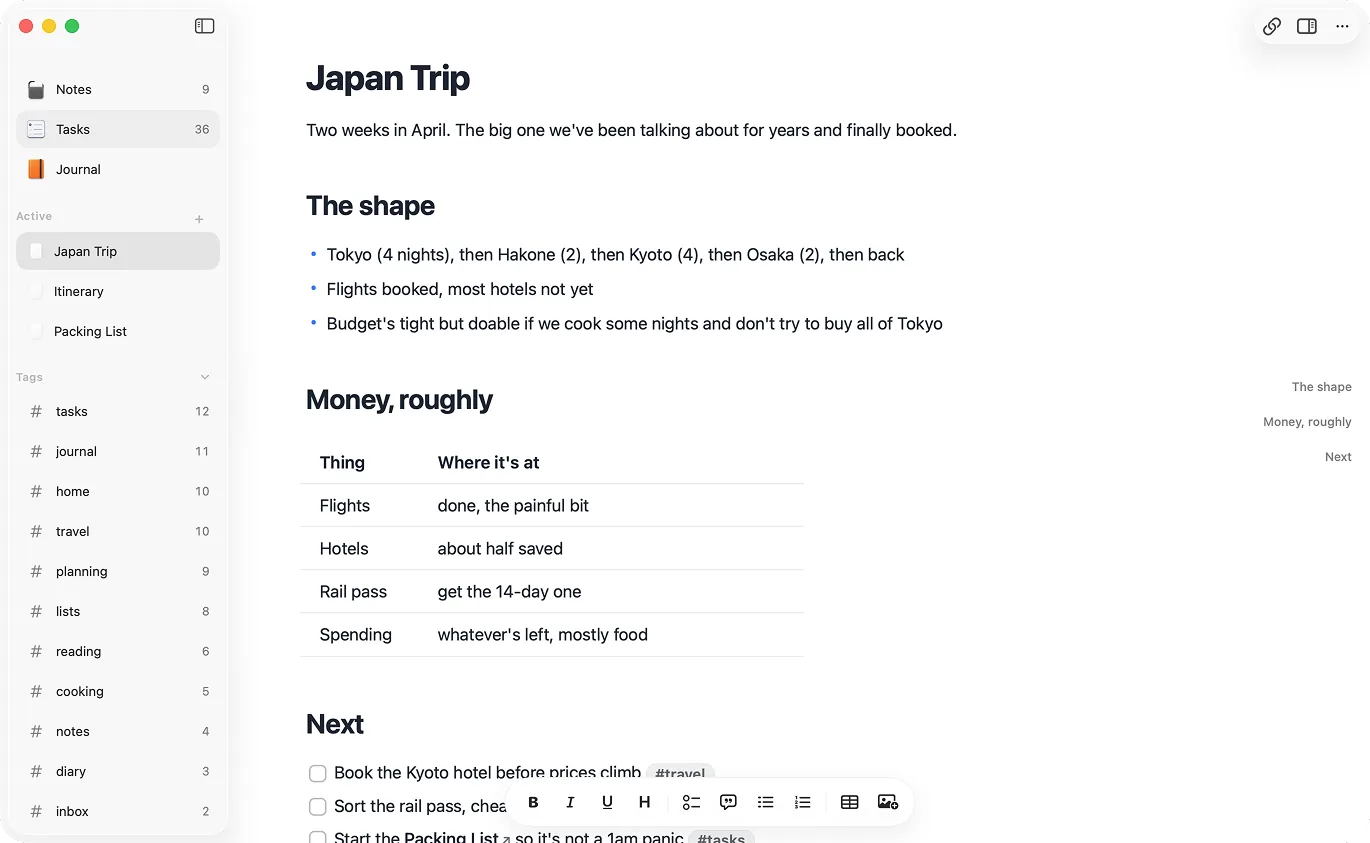
Native Mac feel
Raven is built for Apple platforms instead of wrapped in a browser shell. Launch, scrolling, and text input feel like a Mac app.
Markdown for Mac
Raven is a Markdown notes app for Mac, iPhone, and iPad. It feels like an Apple app because it is one, and it stores notes as ordinary .md files in a folder you control.
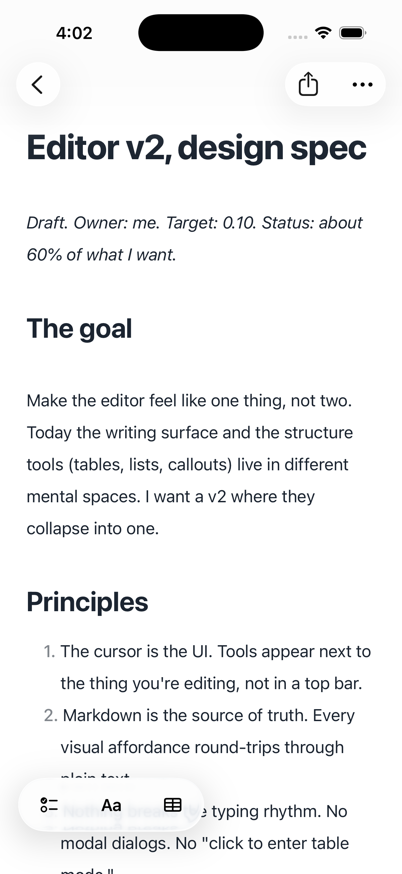
You still need the daily stuff: search, folders, backlinks, tables, tasks, and journal notes. Raven ships those pieces already.
Raven is built for Apple platforms instead of wrapped in a browser shell. Launch, scrolling, and text input feel like a Mac app.
Every note is a plain .md file in a folder you can open, back up, grep, version, or share with local tools.
Open Raven, write the thought down, and get back to work. That is the whole job when an idea shows up.
Tables, tasks, backlinks, folders, daily notes, and weekly notes are built into the editor instead of patched together later.
Storage
Raven: Plain .md files in your folder
Trade-off: Database, cloud document, or export format
Mac app
Raven: Native Apple app
Trade-off: Often Electron or web-first
AI/tool access
Raven: Plain files plus Raven Companion CLI/MCP
Trade-off: Export, API, or plugin required
Setup
Raven: Ready out of the box
Trade-off: Themes, plugins, or workspace tuning
Best fit
Raven: Writers, developers, and Mac users who live in plain files
Trade-off: Teams, web workspaces, or plugin-heavy PKM
Run a one-minute check for Finder, git, backups, Companion, and export cost.
Read next
See how Raven keeps tables portable while making them easier to edit.
Read next
See how plain files and Companion help Claude, Codex, Cursor, and local MCP clients work with your notes.
Read next
Claude, Codex, Cursor, git, and terminal search all understand files. Raven keeps your notes in that shape while you work, then adds Companion CLI/MCP for permissioned Raven-aware edits.
For Mac users who want native feel and plain .md files, Raven is built around that model. The working notes stay in a normal folder, and the app around them is native.
Yes. Raven reads plain .md files and [[wiki-style]] backlinks. If your Obsidian vault is mostly Markdown files, Raven can work with the same folder.
Yes. Raven is local-first. Notes are files on your device, and sync between Mac, iPhone, and iPad is optional.
No. Raven keeps notes as files and ships Companion CLI/MCP for local agents. Read access and edit access are separate, and Raven-aware writes go through Companion instead of raw file mutation.