Raven logo

Raven

Native Markdown Notes

Templates
Raven

Markdown notes that are
ready when you are.

Raven opens fast, feels native on Mac and iPhone, and keeps every note as a plain .md file you can use in Finder, git, Claude, Cursor, or any editor.

Get Raven for $14

$14 lifetime until June 30. Subscription-only from July 1, 2026.

If it doesn't click, Apple refunds within 48 hours.

Raven iPhone editor showing the current writing toolbar, headings, and clean native typography.

At a glance

What is Raven?

Raven is a native Markdown notes app for Mac and iPhone. It stores every note as a plain .md file in a folder you control, so your notes stay readable by Finder, terminal tools, git, Claude, Cursor, and MCP agents.

Run the one-minute ownership check →

Want the Mac-specific version? Read the guide →

Using Claude or Cursor? See the workflow →

Read the local-first notes guide →

See why plain-text notes matter →

Read the Claude-readable notes guide →

Last updated .

Best for

  • Obsidian users who want native Apple feel without the plugin weekend.
  • Bear users who want actual Markdown files instead of a database.
  • Writers and developers who want notes agents can read without export.

Shipping now

  • Tables with row and column controls.
  • Daily and weekly Journal notes.
  • Tasks pulled across notes, plus Home Screen widgets.

See Markdown table editing →

What it does

Fast to open. Native on both devices. Your files stay yours.

Every note is a plain .md file on disk. Nothing to migrate out of, nothing to export. Open Raven, write, close it, come back. Your folder is where you left it.

Open, write, done.

Raven launches in under a second. It opens straight to a note instead of making you wait on splash screens, sync spinners, or plugin loading.

Raven desktop note opens directly to writing with no loading state.

Built for Apple, not ported to it.

SwiftUI and UIKit on Mac and iPhone. The scrolling, the input latency, the way it feels under your thumb. You can tell when an app was built for the platform instead of wrapped in one.

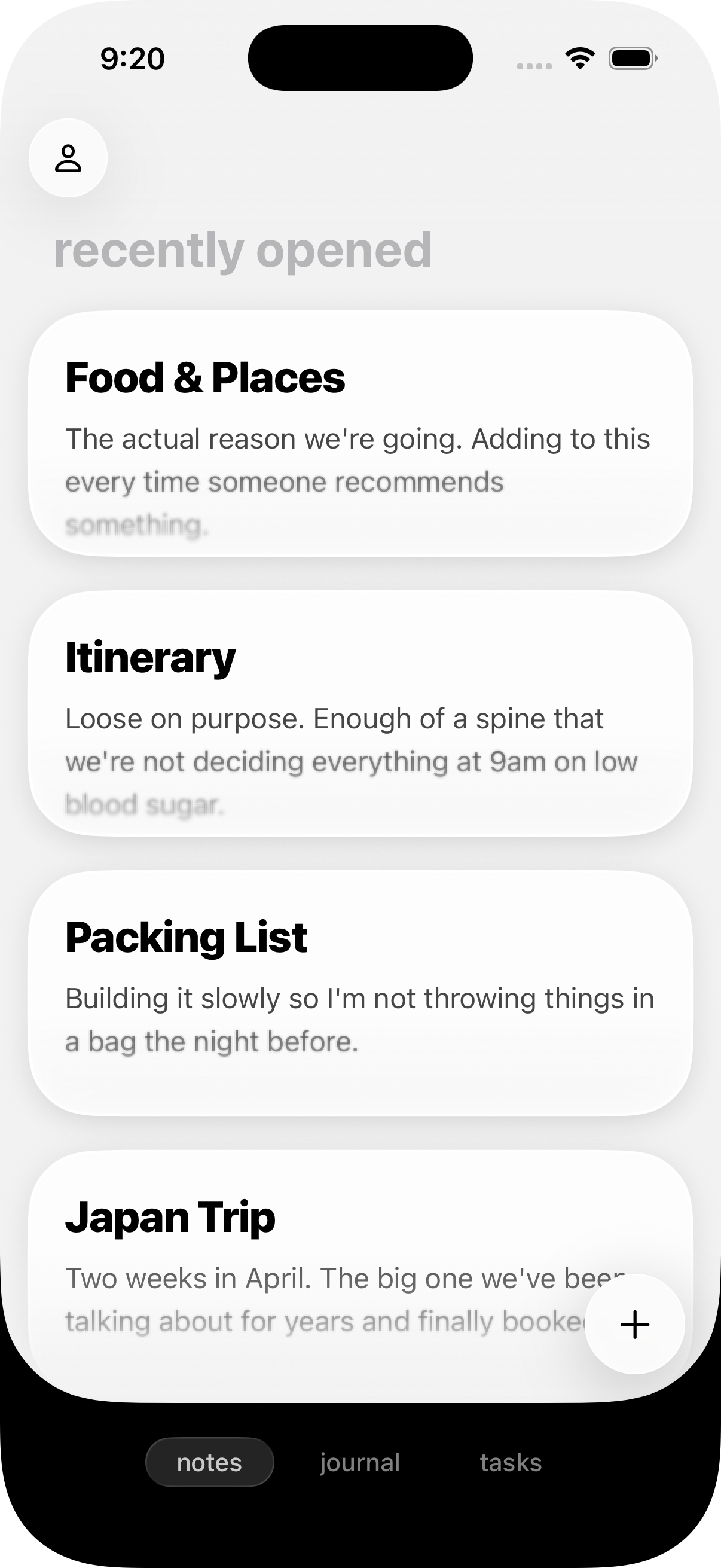
Raven iPhone screen showing native navigation, controls, and note list layout.

Plain .md files Claude can read.

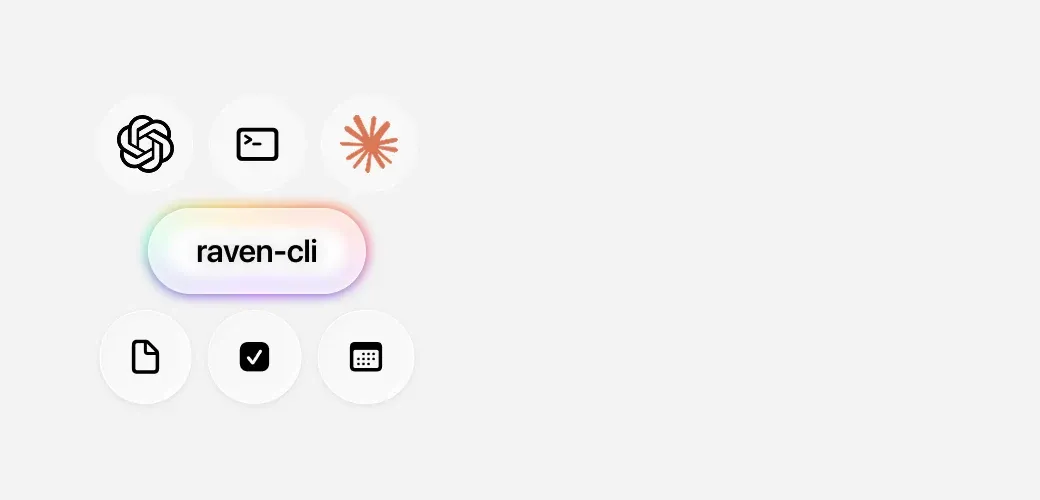
Put the vault in a folder, point Claude or Cursor at it, and keep working. There is no database between you and your writing, and the tools you already use do not need an export first.

Raven desktop overview showing folders, tags, and notes stored in a visible file-like structure.

Now shipping

Structure when you need it. Still no config weekend.

Tables, Journal, and Tasks are built in now. They give your notes more shape without turning Raven into a plugin project.

Tables that don't feel bolted on.

Create a table, add or delete rows and columns, change alignment, then keep writing underneath it. The Markdown stays portable; the editing feels native.

Raven iPhone weekly note showing a Markdown table inside the editor.

Journal is ready out of the box.

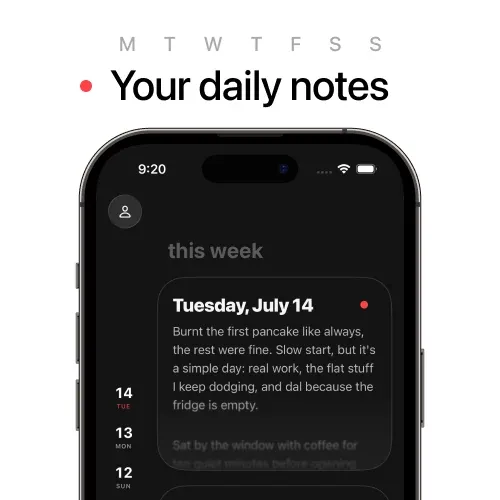
Daily notes and weekly notes are built in. You can write today down before thinking about calendars, YAML, or setup.

Raven iPhone editor showing a clean journal-style note with native typography.

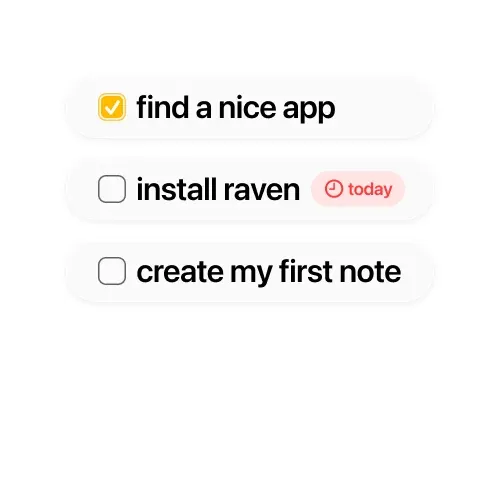
Tasks work across your notes.

Raven finds tasks across daily notes and regular notes, groups them by note or date, and gives you filters so unfinished work does not disappear into yesterday.

Raven iPhone Tasks view showing tasks grouped from multiple notes with filters.

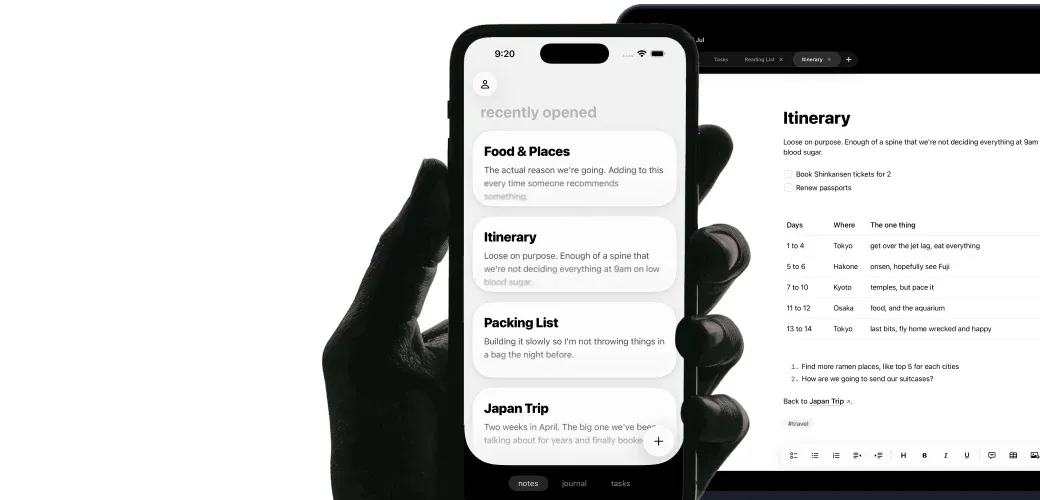
Mac and iPhone

One app, both devices. Nothing feels second-class on the phone.

Full-text search

Type a half-remembered phrase and get straight to it.

Backlinks

See every note that [[links]] back to the one you're reading.

Tables

Create tables, edit rows and columns, and keep the Markdown clean.

Daily and weekly notes

Open Journal and start. Calendar setup is already built in.

Tasks everywhere

Pull tasks from daily notes and regular notes, then filter what matters.

Home Screen widgets

See today's note, this week's note, tasks, recent notes, folders, or a pinned note.

No theme hunt

Open it and write. The default app already looks like something you can live in.

Folders and pins

Nest folders as deep as you want. Pin what matters to the top.

Light on resources

Native code, small footprint. Your fan stays quiet.

Every notes app made me choose. Speed or beauty. Markdown or native. Mac or iPhone. My files or their format. So I wrote the one that doesn't ask.

Thomas

How Raven compares.

Where Raven wins, and where it doesn't.

Raven Raven
Obsidian Obsidian
Bear Bear
Apple Notes Apple Notes
Plugin ecosystem
Backlinks
Graph view
Table support
Daily notes
Weekly notes
Tasks across notes
Home Screen widgets
Claude / MCP friendly
Beautiful out of the box
Fast open time
Native Apple experience
Plain .md files on disk

Coming soon

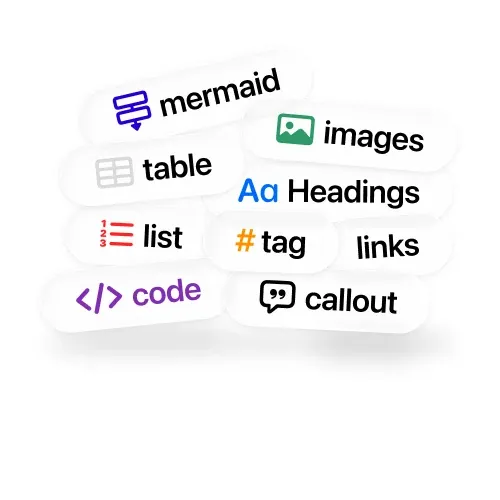
MermaidMore themesClaude toolsSiri extensionsTagsRaycast integrationMermaidMore themesClaude toolsSiri extensionsTagsRaycast integration

Who built this

Raven is my daily driver.

I started Raven because I couldn't find a notes app that matched the way I actually work. Fast capture, plain Markdown, and a UI that doesn't fight me.

I've spent 10+ years building for Apple platforms: Objective-C, UIKit, SwiftUI. What I care about is craft. How fast the app opens. How it scrolls under your thumb. How every pixel renders. Raven has to meet my own daily-use bar before it ships to anyone else.

Pricing

$14 gets you Raven forever.

Lifetime is available through June 30, 2026.
On July 1, 2026, lifetime is gone. Subscription only after that.

Lifetime

Buy it once. Keep it forever.

One $14 payment. Today, and every update after.

Get lifetime access

Apple 48-hour refund. Use it with one real folder.

Lifetime offer ends June 30

Now → Jul

Today

$14

Through June

Lifetime

July

Sub only

Subscription

Available July 2026

Missed the lifetime deal? This is the way in.

The same app and the same updates, paid monthly or yearly instead.

Monthly

$2.49

Yearly -16%

$24.99

FAQ

What if I don't like it?
Use Raven with one real notes folder. If it doesn't click, Apple handles refunds within 48 hours through reportaproblem.apple.com and it takes about two minutes. I'd rather you test it honestly than keep an app you won't use.
What is Markdown, exactly?
Markdown is a plain-text way to format writing. You write with simple symbols like # for a heading or * for emphasis, and the text renders as styled type. Raven stores every note as a .md file, which means your writing stays in a format that every text editor, terminal, Claude, and Cursor can read. Ten years from now, you'll still be able to open it anywhere.
How is Raven different from Obsidian?
Obsidian is flexible, but it can hand you a weekend of config before you start writing. Raven gives you the same Markdown ownership in a native Apple app that already looks right the first time you open it.
Why use Raven instead of Bear or waiting for Panda?
Bear is a beautiful app, but your notes live in a proprietary format. Raven stores plain .md files on disk. You can open them in Finder, grep them from the terminal, or give the folder to Claude. Raven is being actively developed now.
Why not stay in Apple Notes?
Apple Notes locks your writing into a format only Apple can read. Raven keeps the native feel, but your writing is plain Markdown you can take into any editor, terminal, Claude, or Cursor.
Why should I pay when free alternatives exist?
Free apps are built for scale. Raven is built for feel. I don't have investors to please or ads to show. The price is how I keep working on this full-time without compromising what makes it good.
Is there a free trial?
Not yet. I'm focused on making the app great before building trial infrastructure. That's a deliberate choice. I'd rather ship features than pricing logic. Apple's 48-hour refund is your safety net in the meantime.
What's on the roadmap?
Tables, daily notes, weekly notes, templates, tasks, and Home Screen widgets are already built in. Next up: Mermaid diagrams, more themes, Claude and Cursor tools, Siri extensions, tags, and Raycast integration. The goal: more capability without losing speed or taste.