
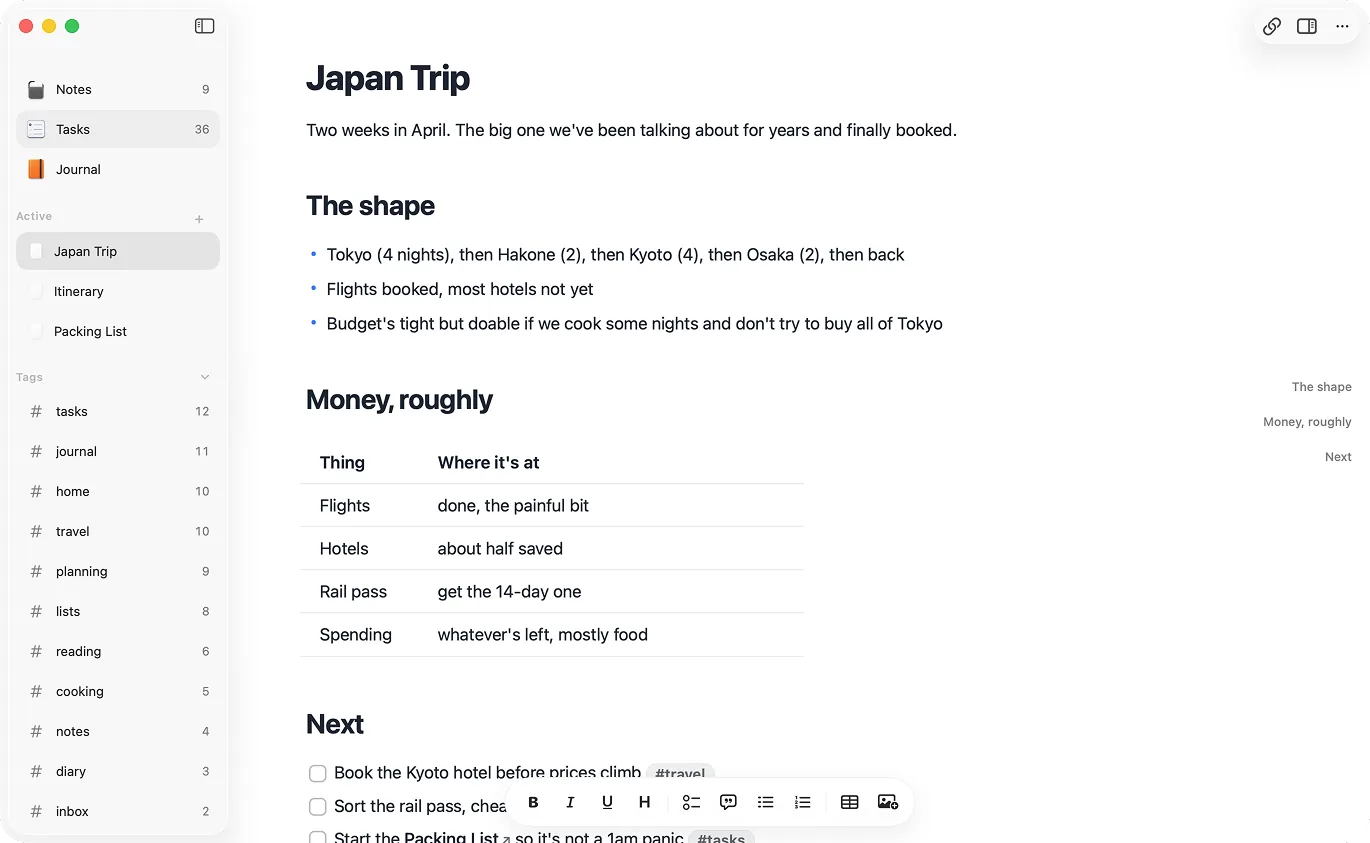
Raven reads and writes the local file first.
Raven opens notes from a folder you control. The app is a layer over your Markdown files, not the only place those notes exist.
Updated May 28, 2026 for Raven Companion and the current Mac, iPhone, and iPad app.
Local-first notes
Raven is a local-first Markdown notes app for Mac, iPhone, and iPad. Your notes are plain .md files in a folder you control, with optional sync between devices.
$14 lifetime until July 31. Apple handles refunds through Report a Problem.
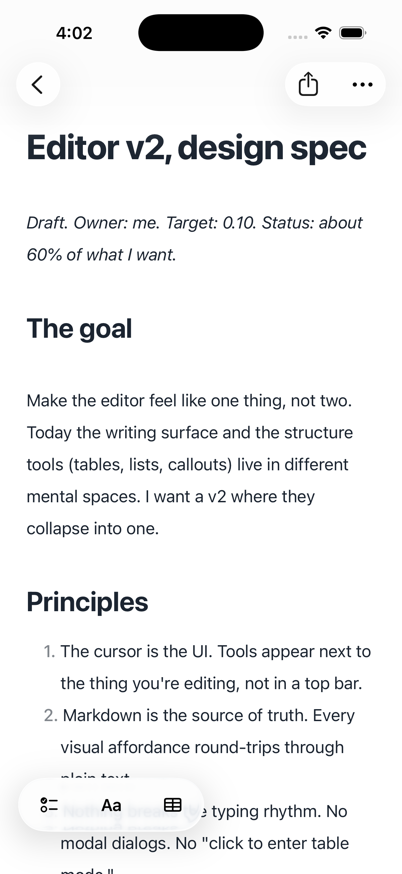
A local-first notes app works from data stored on your device first. Raven does that by keeping notes as plain Markdown files in a folder you control. Sync can move notes between devices, but the file on disk is still useful without a web app.
A local folder is easy to inspect. You can back it up, search it, move it, put it in git, or open it in another editor. Raven adds a native writing app around the files without making the files depend on Raven.
Raven opens notes from a folder you control. The app is a layer over your Markdown files, not the only place those notes exist.
Raven is built around fast local capture. Sync is there so your devices stay in step, not because the app needs a server before you can type.
Each note is a plain .md file. Open it in a text editor, inspect it from the terminal, put it in git, or make it available to Claude, Codex, Cursor, and local MCP clients.
Sign in with Apple is there for cloud sync between Mac, iPhone, and iPad. The Markdown files on disk are still yours either way.
| Feature | Raven | Cloud-first notes |
|---|---|---|
| Where notes live | A folder of plain .md files | Inside the app's database or cloud workspace |
| Offline use | Reads and writes from local files first | Often depends on sync state or cached documents |
| Leaving the app | Open the same files in another Markdown editor | Export first, then clean up |
| Developer tools | grep, git, ripgrep, shell scripts, Claude, Codex, Cursor, Companion | Usually API, export, or app-specific integrations |
| Sync | Optional Mac, iPhone, and iPad sync | Usually central to the product |
| Best for | Personal notes, writing, PKM, and folder-readable local files | Team workspaces, databases, and collaboration |
Local-first means your notes remain useful on your device and in your folder. Sync services and outside tools each have their own privacy properties.
Raven keeps the app's promise simple: your writing is Markdown on disk, sync is optional, and you can choose which other tools get access to the folder.
Raven is for Mac, iPhone, and iPad users who want native software around portable files. For Windows, Linux, Android, or team collaboration, choose another tool.
On Apple devices, Raven gives you local-first notes without a plugin stack.
A local-first notes app works from data on your device first, instead of depending on the cloud copy first. Raven is local-first because the notes are plain Markdown files in a folder you control. Sync sits on top of that, not underneath it.
Yes. Raven reads and writes from local files first. Cloud sync needs a network connection, but opening and editing a Markdown note does not require a server round trip.
Raven stores notes as ordinary .md files in a local folder. On Mac, that folder can be opened in Finder and used by other tools. Raven also keeps app metadata separate from the writing itself.
No. Local-first means the app works from your device first; it does not automatically mean every byte you write is private. Privacy still depends on what you sync, what you install, and which tools you point at the folder. Raven does not claim end-to-end encryption.
Claude, Codex, and Cursor are easier to use when notes are already readable. Raven keeps the folder readable, then uses Companion CLI/MCP for permissioned Raven-aware note and task edits.