
Connect the Raven vault.
Raven stores notes as plain .md files, then exposes them through a bundled Companion CLI and MCP server. Claude, Codex, Cursor, and local MCP clients can read the vault after you allow access.
Updated June 28, 2026 for Raven Companion, MCP, and the current Mac, iPhone, and iPad app.
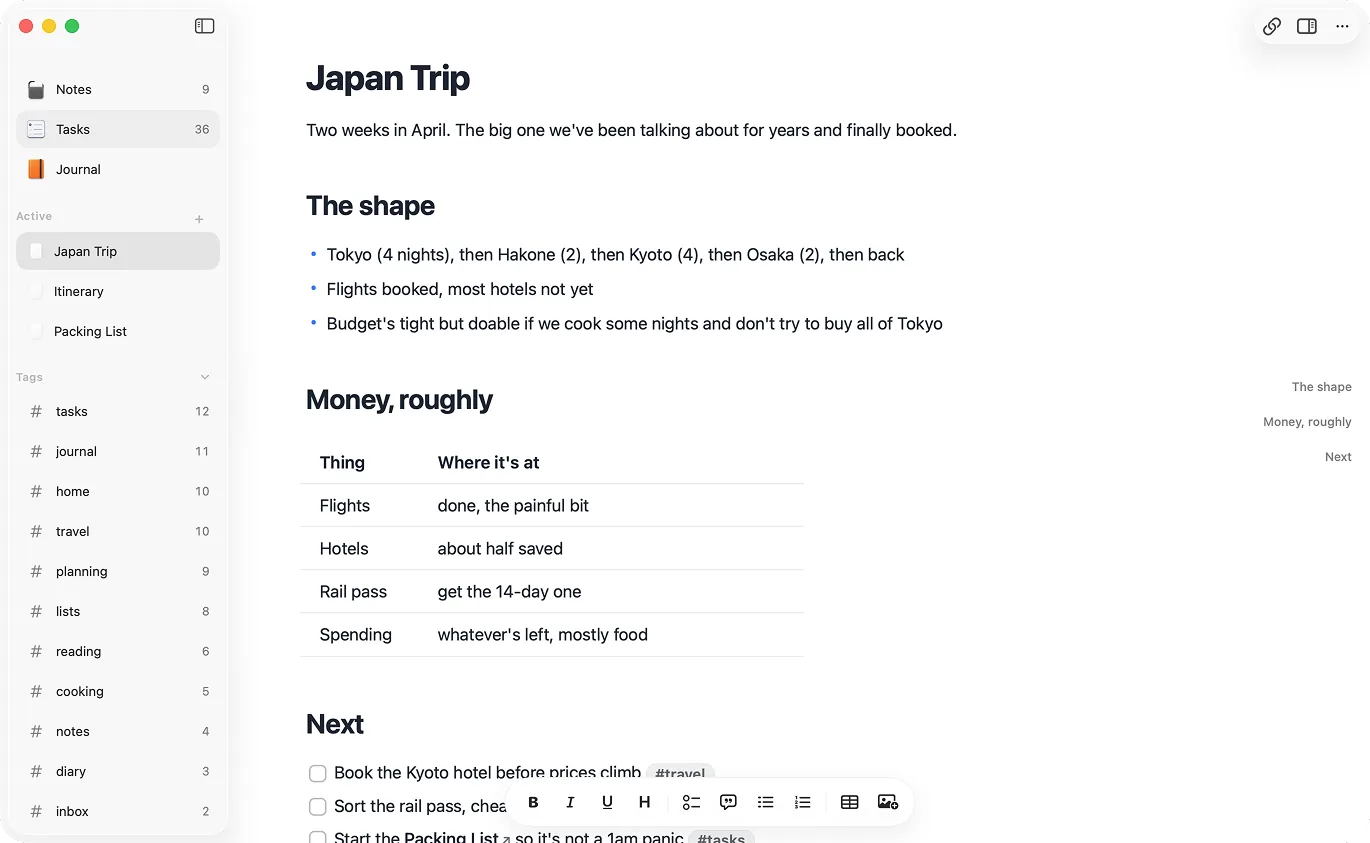
Raven is a Markdown notes app for Mac, iPhone, and iPad. Every note is a plain .md file in a folder you control, and the bundled Companion CLI/MCP server gives Claude, Codex, Cursor, and local agents a permissioned path into the vault.
$14 lifetime until July 31. Apple handles refunds through Report a Problem.
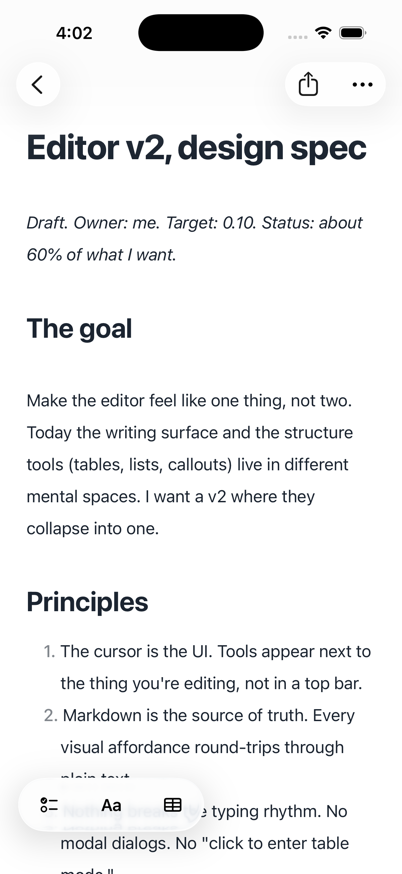
An AI-friendly notes app keeps notes in a format assistants can read with permission. Raven stores notes as plain Markdown files and adds Companion MCP/CLI access, so Claude, Codex, Cursor, and local agents can search, fetch, and update notes without a manual export step.
Local agents can only help with notes they can reach. Raven gives them two honest routes: plain Markdown files for normal tools, and Raven Companion for permissioned MCP/CLI access to notes, tasks, folders, and journal entries.
Raven stores and syncs the notes. Claude, Codex, Cursor, and terminal tools do the assistant work. Because the notes are files, you can swap tools without touching a single note.
Raven stores notes as plain .md files, then exposes them through a bundled Companion CLI and MCP server. Claude, Codex, Cursor, and local MCP clients can read the vault after you allow access.
Use search and fetch for broad discovery, or Raven-native tools for notes, tasks, folders, and today's journal. The assistant gets structured results instead of scraping a private database.
Reads and edits are separate settings. Appends, new notes, task changes, and title/body updates go through Raven's Sync layer, with hash checks for full replacements.
Finder, git, ripgrep, editors, and shell scripts still work because the notes remain Markdown files. Companion is the safer Raven-aware path for agent edits.
| Feature | Raven | Typical app-owned notes |
|---|---|---|
| Storage | Plain .md files in your folder | Database, cloud document, or export format |
| Agent access | Companion MCP/CLI plus plain-file vault access | Requires export, API access, or a plugin |
| Assistant | Use Claude, Codex, Cursor, or your own local MCP client | Often tied to an in-app assistant |
| Portability | Open notes in any Markdown editor | Export first, then clean up |
| Privacy posture | Local-first; sync is optional | Cloud-first by default |
| Best for | Writers and developers on Mac, iPhone, and iPad | Teams, web workspaces, or app-specific assistant features |
The notes open in Raven, in any Markdown editor, and in terminal tools like grep and git, with no export step.
Files make it easier to change tools. Raven keeps the notes readable without tying your writing to one vendor.
No. Raven is not a built-in chatbot. It keeps every note as Markdown and ships a local Companion CLI/MCP server so Claude, Codex, Cursor, and local agents can work with the vault you allow.
Open Raven Settings, enable AI Companion access, then copy the setup for your client: MCP JSON for Claude and Cursor, TOML for Codex, or STDIO fields for local MCP clients. Read access and edit access are separate.
Raven ships its own Companion CLI/MCP helper. Plain-file access still matters, but the first-party MCP route is better for Raven-aware note and task operations because it respects permissions, hashes, journal identity, and sync state.
No. Raven is local-first and does not include a model-training pipeline. If you choose to use Claude, Cursor, or another outside tool with your notes, that tool's own privacy policy applies.
Yes, when AI Companion edits are enabled. Common writes include creating notes, appending to notes, appending today's journal, renaming a note's first H1, replacing a body with a fresh body hash, and creating or completing tasks.