Notes
Find anything fast.
Search every note, folder, tag, and link.
 Raven Download Raven
 Ask a question and get an answer from your notes. Claude or Codex can also create notes or update tasks, but only with the access you give it.
What's still open from this week?
Used 3 tools
You still have three tasks open: book the dentist, send the invoice, and prepare Friday's review. I added them to Today.
Added 3 tasks to Today
Read this week's journal. What kept coming up?
Used 2 tools
Meetings made the week feel rushed. You mentioned it three times. Tuesday felt calmer because you kept the morning free.
Read Journal · Mon–Fri
Summarize my kitchen renovation notes.
Used 3 tools
You've spent $12k of the $15k budget. The contractor starts on the 4th, and you still need to choose the tiles. I saved a one-page summary.
Created Renovation summary
Quiz me on my biology lecture notes.
Used 2 tools
Question one: what happens at the inner membrane of the mitochondria? You covered this in Tuesday's lecture notes.
Read Biology 101 · 4 notes
Stay on top of your to-dos
Your notes stay where they are. Raven reads the same files you already use.
You choose the access. Read only, or allow changes when you need them.
Deleting is off limits. These tools cannot delete, move, or archive notes.
Raven prepares the setup. Copy it once, reconnect your tool, then check the connection.
In Raven, open Settings → Raven Automation. Choose Read only or Read and change.
{
  "mcpServers": {
    "raven": {
      "command": "/Applications/Raven.app/Contents/Helpers/raven",
      "args": ["--vault", "/Users/you/Notes", "mcp-server"]
    }
  }
}
Only the highlighted file paths change. Raven Settings can copy this setup with the right paths already filled in.
[mcp_servers.raven]
command = "/Applications/Raven.app/Contents/Helpers/raven"
args = ["--vault", "/Users/you/Notes", "mcp-server"]
Only the highlighted file paths change. Raven Settings can copy this setup with the right paths already filled in.
STDIO/Applications/Raven.app/Contents/Helpers/raven--vault
/Users/you/Notes
mcp-serverOnly the highlighted file paths change. Raven Settings can copy this setup with the right paths already filled in.
# The helper ships inside the app. Alias it once:
alias raven='/Applications/Raven.app/Contents/Helpers/raven'

# Then check the vault is reachable:
raven --vault ~/Notes companion status
Only the highlighted file paths change. Raven Settings can copy this setup with the right paths already filled in.
Reconnect the tool, then ask it to run companion_status. Raven will show the access you chose and whether sync is working.
Raven keeps it all in plain Markdown, synced across your devices — ready for your AI when you want it.
Notes
Search every note, folder, tag, and link.
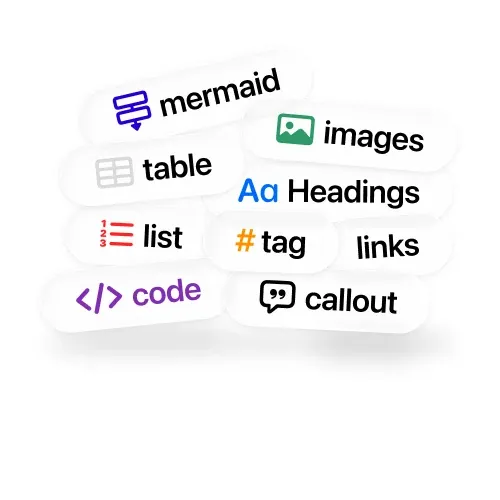
Markdown
Headings, tables, code, images, callouts.
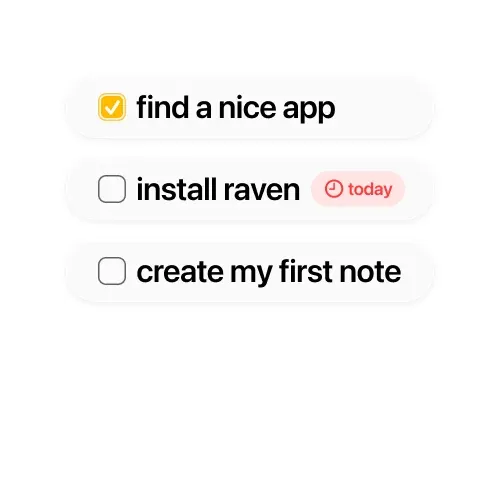
Tasks
Track to-dos and write a daily entry.
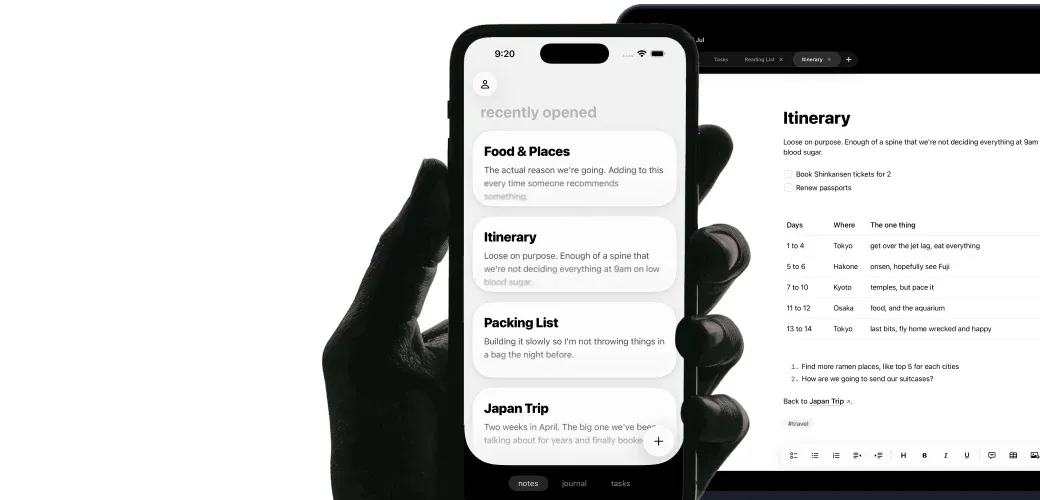
Sync
Current on Mac, iPhone, and iPad.
Access
Set access for each folder of notes. Raven checks your choice every time a tool reads or changes something.
Edits
Raven checks that the tool is using the latest version. If you edited the note since it was read, Raven stops the change.
Privacy
Logs can record what kind of action ran and whether it worked. They do not include note text, titles, file paths, searches, tasks, or prompts.
No. A connected tool can reach your notes without keeping Raven open.
No. Raven connects to the AI app you already use. You still need your own Claude, Codex, Cursor, or other supported account. That app's pricing and privacy policy still apply.
Choose Read only if you never want it to edit. With editing on, Raven checks that the tool read the latest version before it replaces a note. If the note changed, Raven stops the rewrite.
No. Raven's automation tools cannot delete, move, archive, or retag notes. They also cannot delete tasks. Those actions are not available.
No. Everything you need comes with the Raven Mac app. Raven Settings prepares the setup for you. Terminal users can optionally add the raven command.
Raven has ready-made setup for Claude Desktop, Claude Code, Cursor, and Codex. Other compatible Mac apps work too. If an app asks for a command and arguments, choose Other app in the setup above.
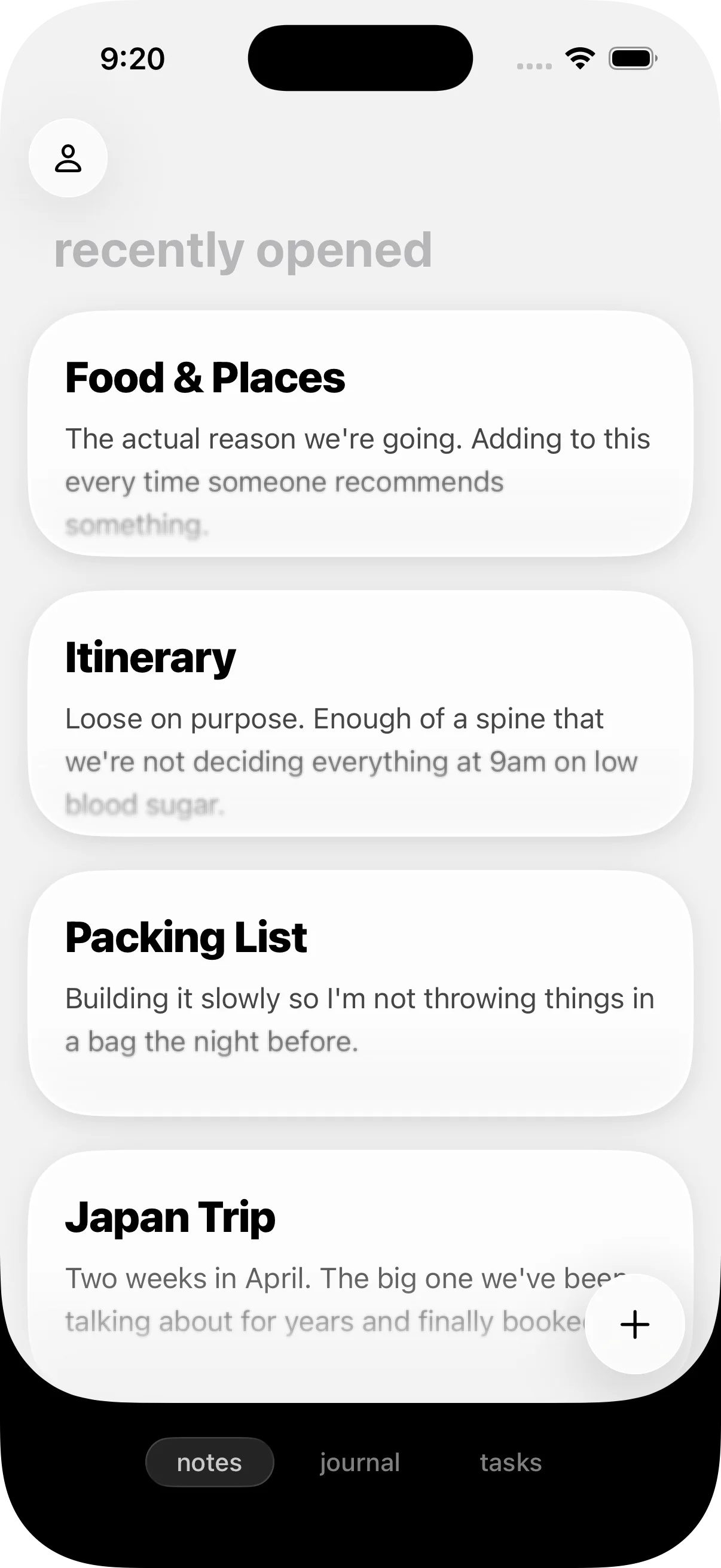

Every note is a plain Markdown file you own. You decide when Claude, Codex, or another connected tool can read or change it.
Download RavenUS$14 lifetime through August 31, 2026. New purchases cost US$25/year from September 2026. Apple handles refunds.